1. Why this URL exists (diamond finder vs Ore Finder)
“Diamond finder” is a high-intent search phrase. The implementation on CraftMod Hub is still the Ore Finder: one web app for multiple ores. This HTML page is a dedicated landing page—it targets that query in titles and copy, funnels you to the tool, and only summarizes the workflow so we do not compete with the primary Ore Finder experience or repeat every control.
The planner shows seed-derived hints, not a guarantee for every block. You still break blocks in survival with the usual risks. When you want distributions, vein types, Fortune math, or loot alternatives, use guide, density, and Fortune—those are the content homes for “how diamonds work,” not this funnel.
2. Launch step: Java seed inside the Ore Finder
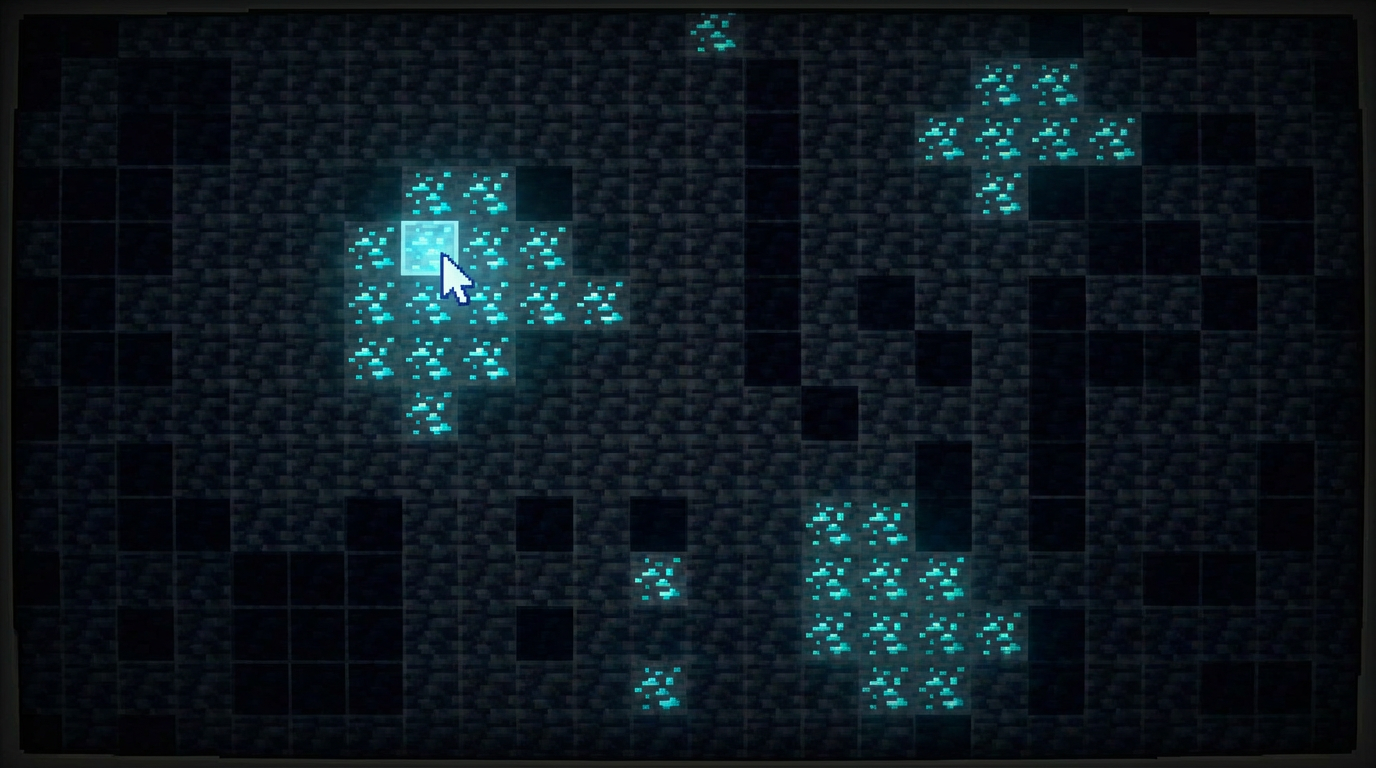
In Java singleplayer, /seed is the string you paste into the Ore Finder. Copy negatives and full literals exactly—half the “tool is wrong” reports are edition mix-ups or truncated seeds. Bedrock seeds are a different pipeline; this landing page is for Java diamond finder traffic only.
After the seed loads, select diamond in the ore UI the same way you would for any other layer. Pan to your base or planned rail terminus so on-screen X/Z matches where you will actually walk. If you are on a server without a public seed, stop here and use Y=-59 mining instead of guessing coordinates.
3. Reading the map (without rewriting the tool docs)
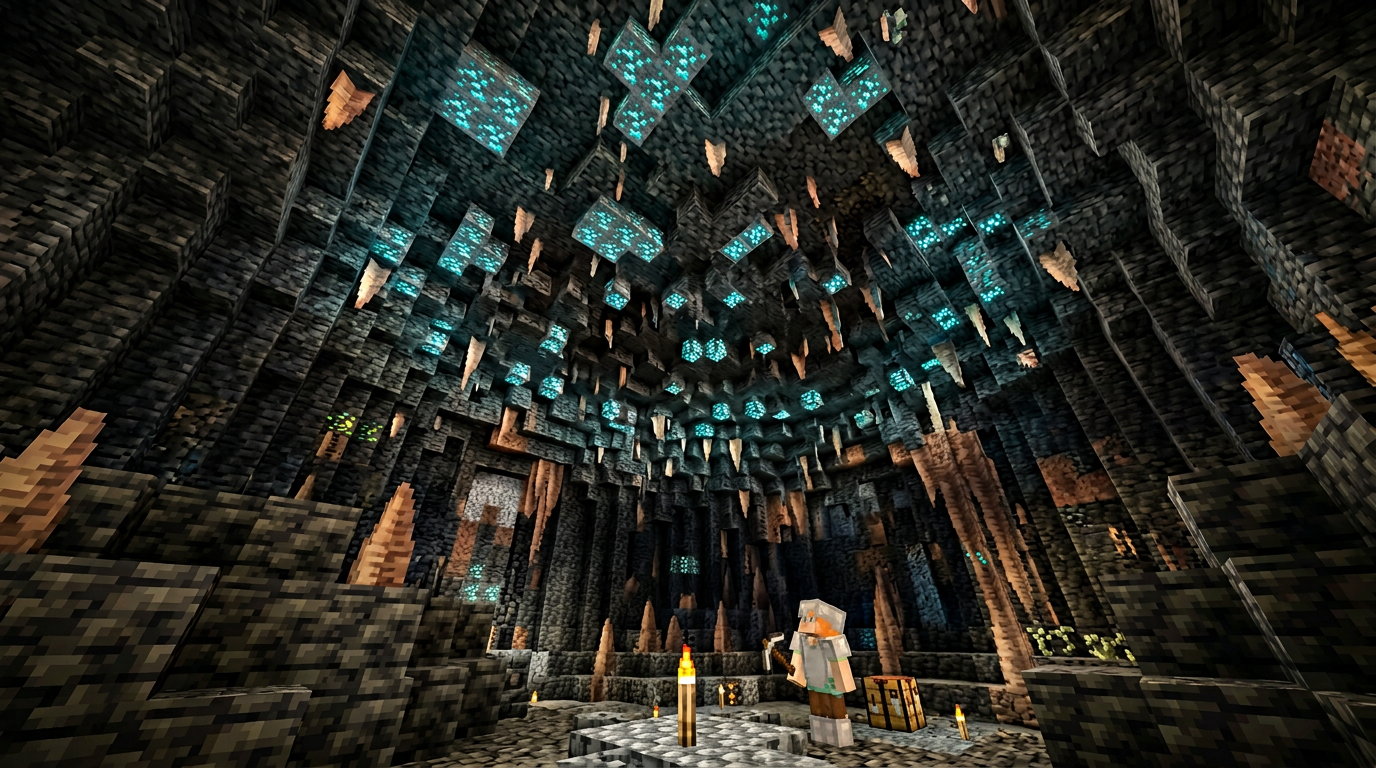
Treat highlights like a heatmap: tight clusters mean overlapping generation attempts you should visit first; isolated dots are optional detours. Zoom out a few chunks before picking an anchor so you are not chasing single-pixel noise. The live UI at Ore Finder owns the exact controls—this section is only the mental model.
If your session also needs villages or trial chambers, open the Seed Map in another tab—you can plan structure loot and diamond hauls on one route without treating this page as a second encyclopedia.
4. After you pick X/Z: depth and handoff
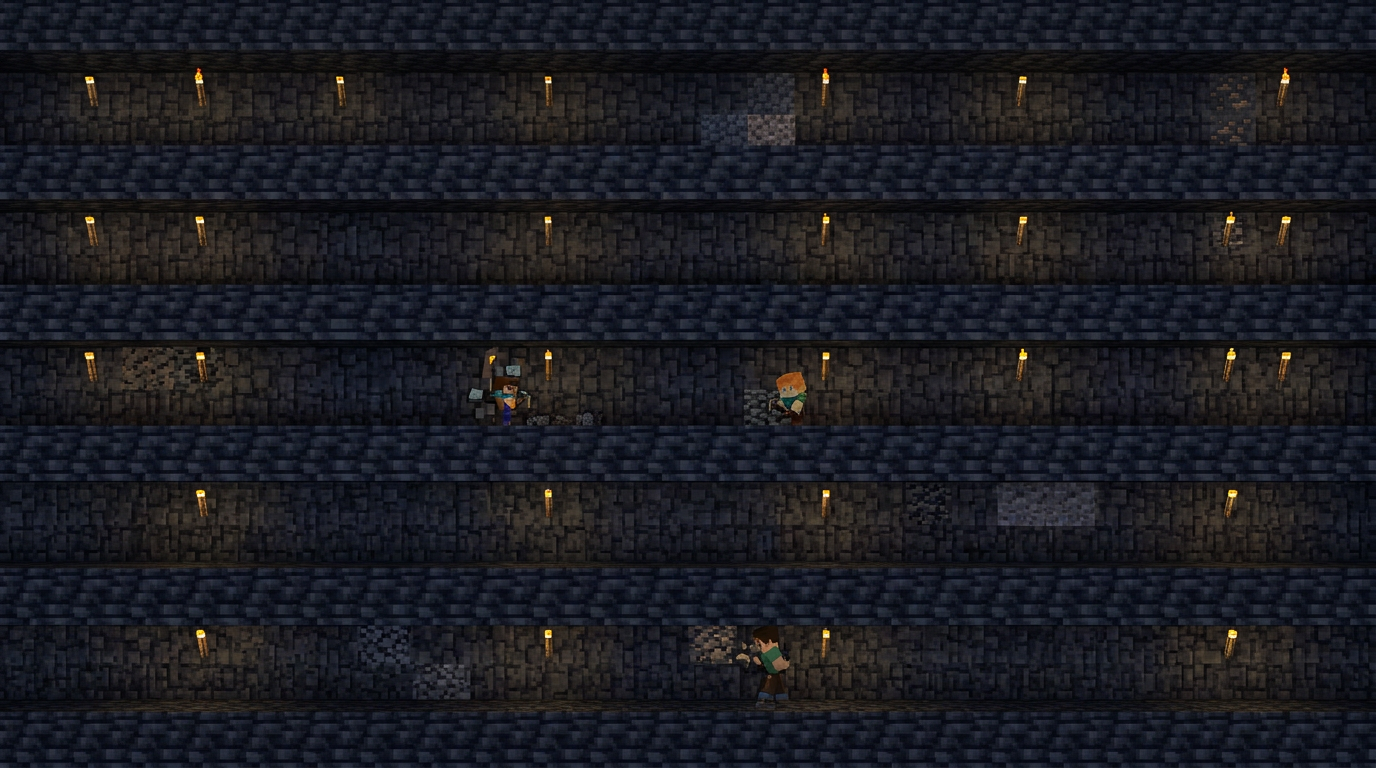
The Ore Finder gives you horizontal targets; your survival brain still handles travel and breaking blocks. Move on the surface or nether highways first, then spiral down so you arrive near Y=-59 for Java 1.21 (see best Y-level for why that altitude beats guessing). F3’s block coordinates should match the grid you chose in the browser.
Mining technique belongs in dedicated guides—use branch mining, strip mining, or cave mining pages rather than expecting this SEO URL to host every pickaxe tip. Carry water for lava; that never changes.
5. Same tool, other ores; multiplayer clarity
The Ore Finder is not only a diamond finder—toggle other layers from the same session when you move from diamonds to debris or redstone. That is why we keep exhaustive control reference on the tool itself instead of cloning it onto every SEO URL.
On multiplayer, seeds might be private and rules might ban external planners. Respect the operator; when in doubt, stick to written guides and manual mining. When worlds reset, invalidate old bookmarks so you are not fighting stale data from a previous season.
Diamond Finder Checklist
- Tool: Run diamonds in the Ore Finder—this page is the SEO entry, not a second app.
- Seed + edition: Java seed only here; wrong edition = wrong map.
- Targets: Dense X/Z clusters first; solo dots optional.
- Depth + etiquette: Mine near Y=-59 per best Y-level; follow server rules on external tools.